Levels and Sections
The next steps involve adding Levels, Sections and defining Seat Blocks using the Level and Section designations.
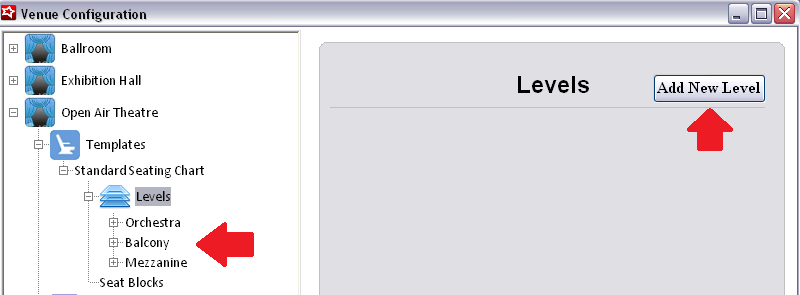
To add a new Level, expand the template and click Add New Level. Enter the Level Description and hit Save. Repeat this process for every defined Level in the Venue template.
Note: Currently the User Defined and HTML fields are not in use. They have been added as placeholders for future development, but are not operational at this time.
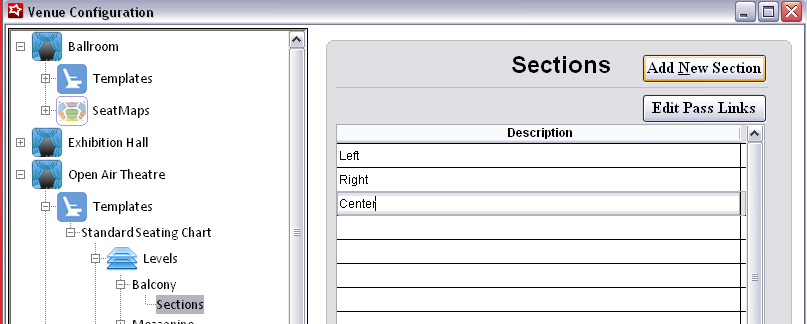
To add Sections to Levels, expand the Level and click Add New Section. Enter a Section Description and Save. Repeat this process for every Section in the Level.