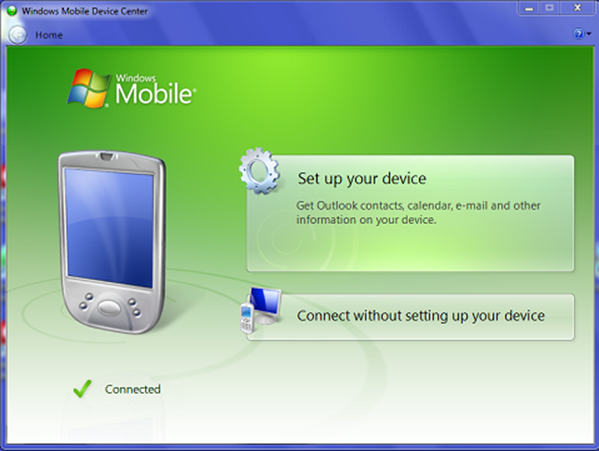
Connecting to Windows Mobile Device Center
Connect the USB cable to the PC. The USB protocol negotiates the appropriate parameters automatically. Connecting the Mobile Device to the PC running Windows Mobile Device Center with the USB cable should activate the connection between the two and result in Windows Mobile Device Center displaying as the screen capture directly below.