Setting up the web service:
1. Start IIS and Add Application Pool.
2. The pool is named, “AXPool” and enabled to use version 4.0 of the .Net framework.
3. Edit the Advanced Settings and make sure that Enable 32-Bit Applications is set to True.
4. Also, set the Maximum Worker Processes to 5.
5. Now, add an application to the default web site.
6. Next, click Add Application
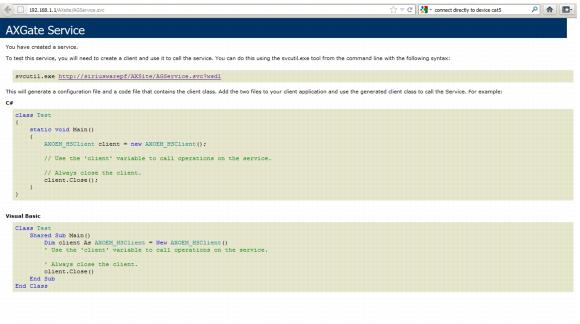
7. Make the alias, “AXSite” and the virtual path, /AXSite. The physical path can be, c:\program files\siriusware\SiriusAxessSOAP. In this location, there needs to be AGService.svc and web.config. There also needs to be a Bin directory containing AxessGate.dll and Siriusware.Utility.dll. You can test this by browsing to the full address (i.e., http://192.168.100.154:80/AXSite/AGService.svc) and you see this screen: