Logging in
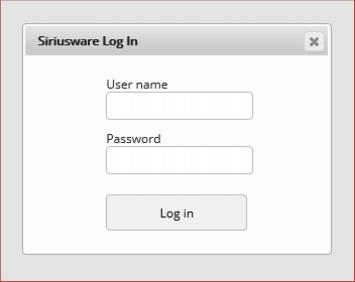
Users log-in using their Siriusware operator log-in and password.
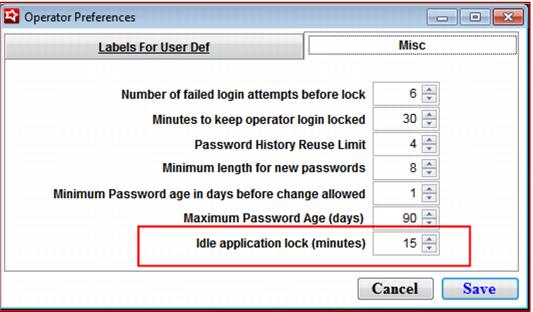
The log-in authentication and application session expires according to the settings established under SysManager > Preferences > Operators > Misc > Idle Application Lock.
Example:
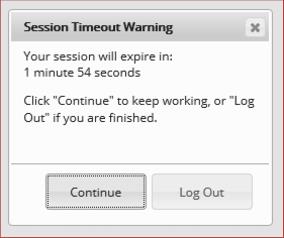
If your Idle Application Lock is set to fifteen minutes and you have not committed any “actions” (save, copy, etc.), then a two minute Session Timeout Warning dialog appears.
This dialog offers you the options to either Continue (resetting the clock) or Log Out (ending your session and losing any unsaved changes). No action at all results in the user being logged out, with all unsaved changes lost.