Reporting
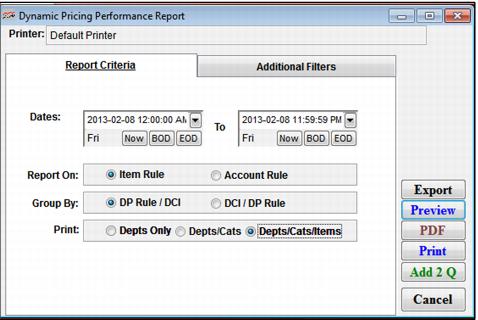
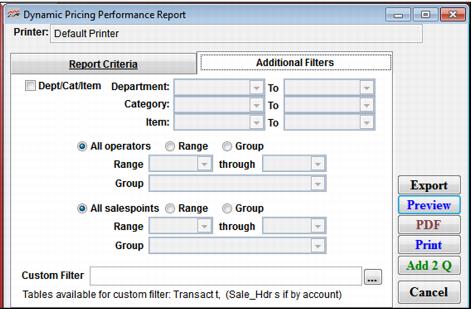
There is one report specific to Dynamic Pricing capability: ReportManager > Reports > Performance Reports > Dynamic Pricing Rules. This report can be run several different ways based on Item Rule vs. Account Rule and DCI grouping v. DP Rule grouping.
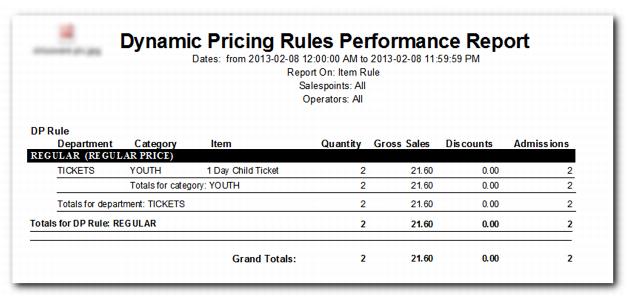
Sample report output:
Note: The Discounts column is used only if a special was applied to an item either manually by the operator or in some automated way (by using the MACRO or MACRO2 functions within a Dynamic Pricing Rule or a macro within the Sales Actions tab for the item).
Note: Dynamic Pricing Rules are typically used to set the initial price of the item – thus they do not show up as specials or as discounts on reports. If one uses MACRO or MACRO2 functions to apply a special, reports such as the Specials Performance Report, can be used to view items that had specials applied via a Dynamic Pricing Rule.