Online pass renewals
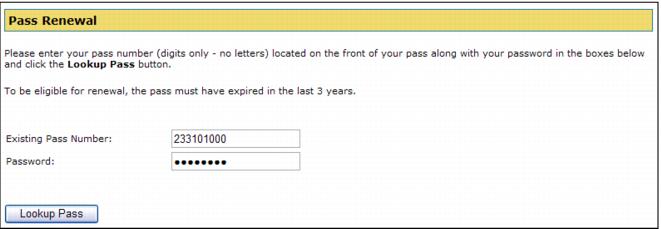
E-Commerce module includes pass/membership renewal functionality that allows a visitor/guest to renew to the same pass, to a different pass, to be able to choose from a configurable list of pass products during renewal or to extend the expiration date of their membership. The renewal process begins with an online visitor/guest following a link to the RenewPass.aspx page. The visitor/guest enters either the pass number of the pass he wants to renew or his pass number and verification information (if you require verification of the guest renewing his pass) and clicks the Lookup Pass button to continue the pass renewal process.
What happens next depends on how you have things configured and we describe in detail four options for doing online pass renewals below. But first let’s look at how to configure the pages to require verification of a guest doing an online pass renewal.