Results
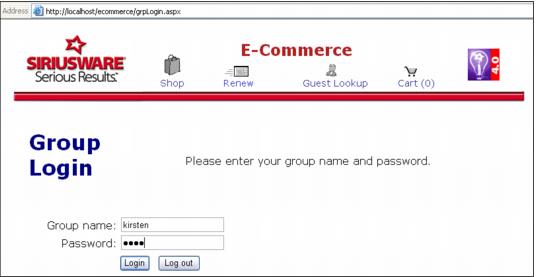
Visitors/Guests that are eligible to log-in to the special “group” area is given the link to the group log-in page and the appropriate log-in name (account nickname) and password.
In this example, the link provided to the guest is:
http://localhost/ecommerce/grpLogin.aspxThe log-in provided is: KIRSTEN
The password proved is: KIKI
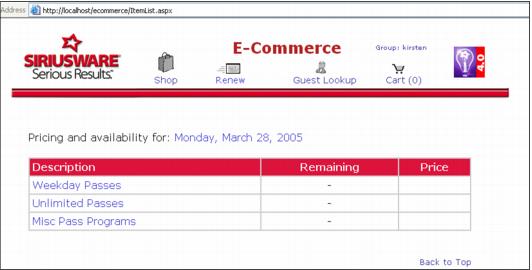
Once logged in successfully, the contents of the WEB PASSES item tree are displayed.
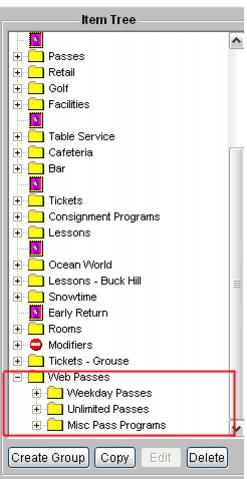
Corresponding Item Tree configured in SysManager:
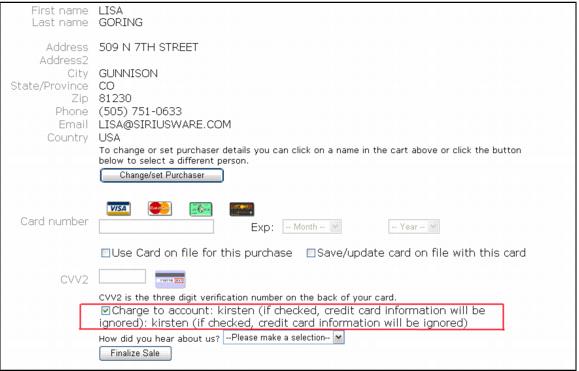
At checkout, the settings that determine the ability to charge to an account are active:
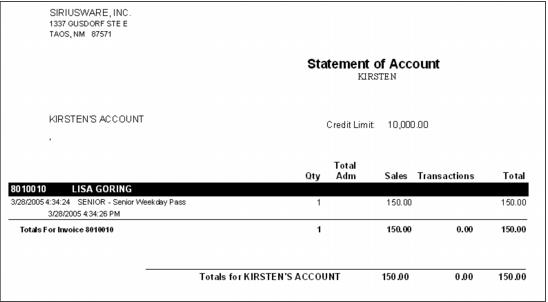
Once Sales Host has processed the web sale, the transactions are recorded on an invoice within the account configured for the group (each web sale made while logged into the group’s account creates a new invoice within the account).