A note about date formats
Date formats can be the cause many errors, therefore, it’s important to have them all set to USA format. You might notice that FileSync is changing dates even on a computer where the date formats were set correctly.
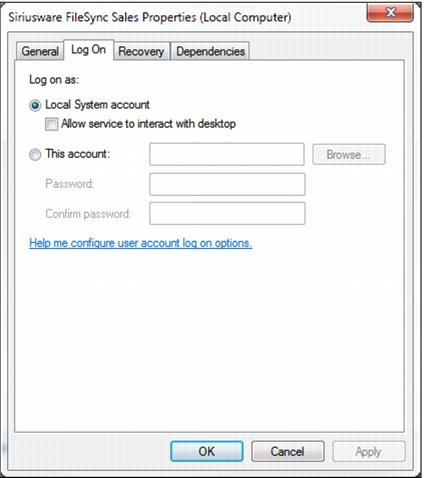
Services run under a different account (usually a special system account) which can have a date format all its own. The easiest way to solve this problem is to make the FileSync service run under another account (the one that’s usually logged-in and has the correct date format).
You can set this in Control Panel > Administrative Tools > Services. Find Siriusware FileSync and the Log On tab, which looks like this: