.INI settings
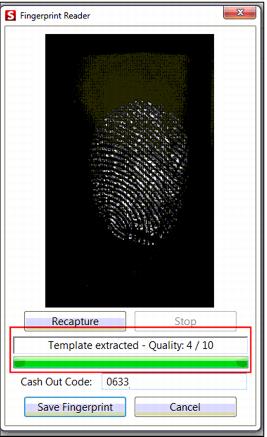
A setting was added to the Sales32c.INI to specify how many fingerprints to collect for the template, which defaults to 4. This setting affects the quality of the template as well as the size of the template.
[Preferences]
FingerprintEnrollCount=4
Fingerprints can now be associated with gst_pass records (i.e., In-House Cards module). Also added Point & Pay functionality where fingerprints can be used to lookup the IHC item for payment. Fingerprints can also be used for line item validation as well as Function key swipes. A new setting has been added to the Sales32c.INI to specify which field from the gst_pass record to extract:
[Preferences]
F10FingerprintField=pass_no (default)
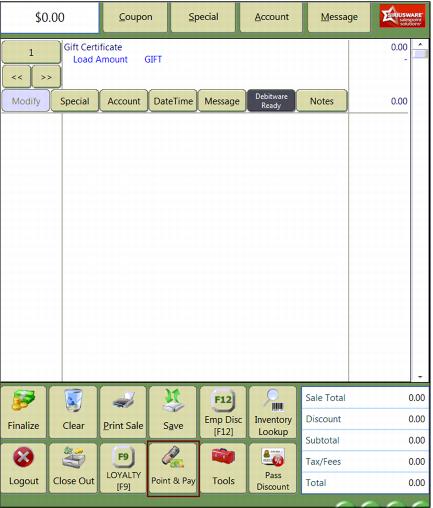
An additional setting was added to the Sales32c.INI that creates the Point and Pay Main Action button on the Sales Screen:
[Interface]
MainButton=PNP