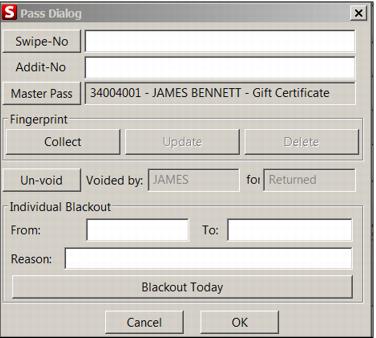
Updating a fingerprint
On Guest Lookup > Pass Inquiry > edit pass > Modify there are three new buttons on the Pass dialog for collecting, updating and deleting fingerprints associated with a IHC item. If the IHC item does not have a fingerprint associated, the Collection button is active unless the operator does not have the security permission to do so. If the IHC/pass has a fingerprint associated the Update and Delete buttons are active if the operator has the security permissions to use them.