Classic Kiosk Mode
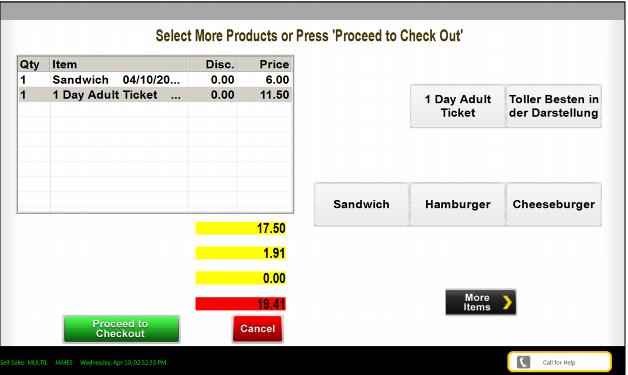
In Classic Kiosk mode, the user proceeds to the Invoice screen and chooses the items to be purchased.
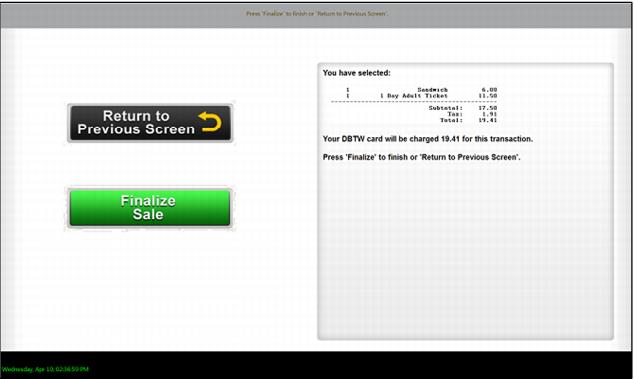
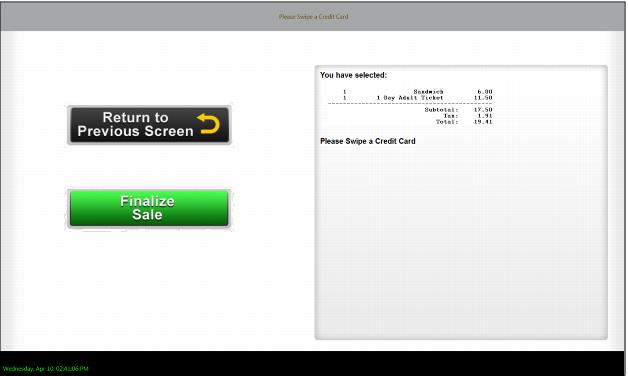
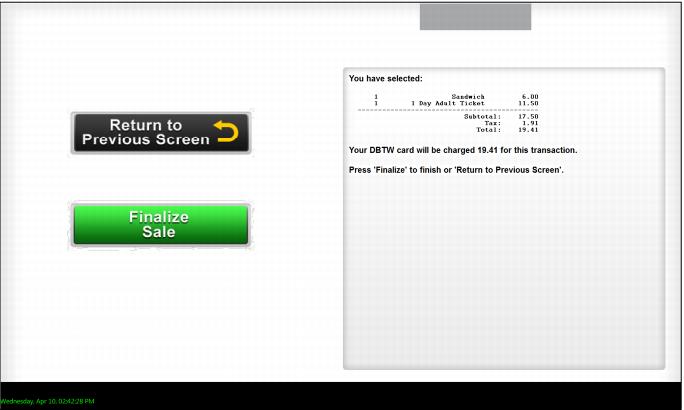
The user can at this point, place their finger on the fingerprint reader. They are then taken to the Payment screen and can choose to Finalize.
Alternatively, the user can proceed from the Invoice screen to the Payment dialog using the Proceed to Checkout button, read the fingerprint in the dialog and select Finalize.