Tools dialog
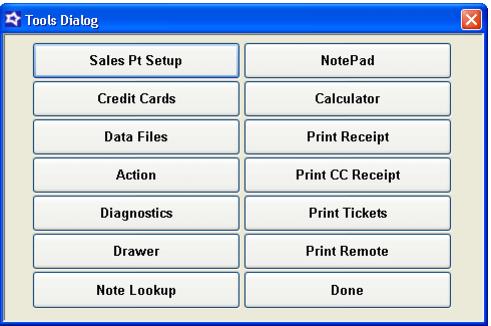
The Tools dialog is shown in the following screen capture.
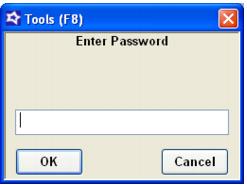
While it is not necessary to access the Tools dialog after Sales has been properly set up, it may be. One way of doing this is to change the Interface setting back to Classic, and then the function buttons become available. Another method is to press the F8 key. If the operator who is logged in has the proper security level, a dialog appears prompting the user for the password (see the following screen capture). However, Sales must be at the Product Selection screen. Pressing F8 or F6 to quit at the Ready or Finalize screens does nothing.