Exiting Sales
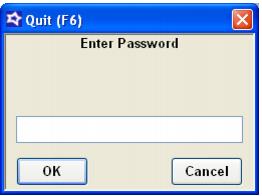
To quit the Sales program, you must be at the Product Selection screen. Pressing the F6 key brings up a dialog asking for the password in the Sales32c.INI file (see the following screen capture) the same as with F8 for the Tools dialog. Entering the proper password causes Sales to quit. Entering the wrong password removes the Password dialog and returns to the Product Selection screen.