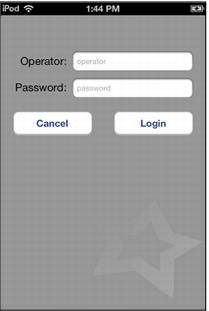
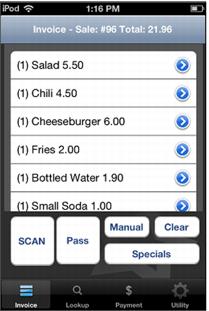
Log-in/Sales invoice screens
Operator Log-in Screen is viewed after starting the Mobile Sales App, followed by the Sales Invoice screen where items added to the current sale are listed.
Note: The middle SCAN button can be pressed to activate the barcode scanner. An additional button on the upper right hand side of the device can also be used to activate the barcode scanner.