Refunding
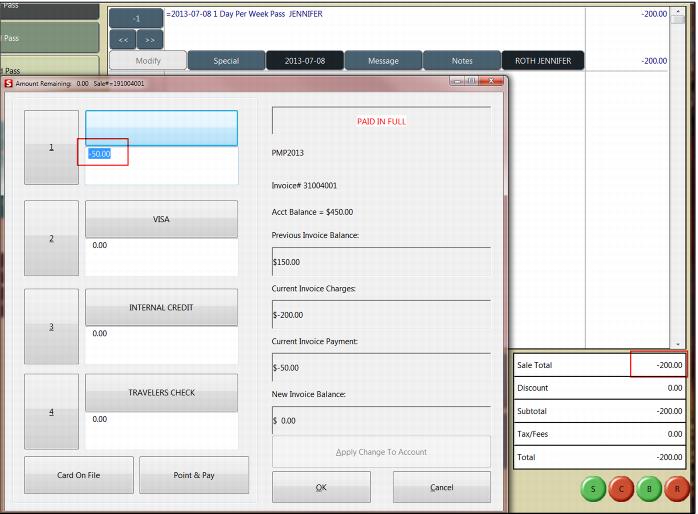
To Refund an item on Payment Plan
1. Bring up the pass item to be refunded through a Ticket Inquiry or Guest Lookup.
2. Reduce the quantity to a negative number.
3. Click on the Validate button and enter in the pass number.
4. Click Save.
Note: The total amount displays on the screen however, once you click Finalize, the dialog appears and you see the correct amount to credit back.
Note: Any modifiers on Payment Plan need to be refunded as a regular item (cannot be refunded as a modifier). Non-payment items MUST be refunded in a separate sale from payment plan items.