Maintenance
Note: The shortcut key for maintenance is F7.
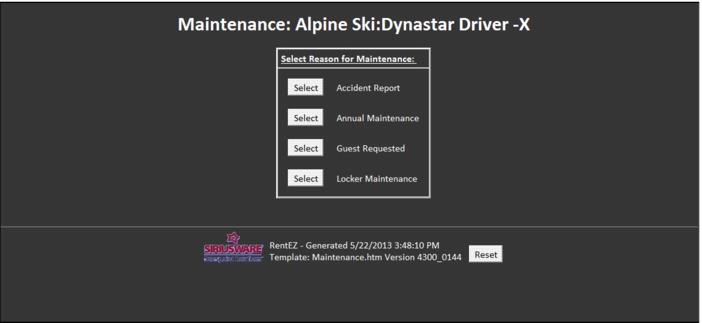
Equipment can be placed into maintenance by scanning the equipment needing the maintenance and selecting the Maintenance option. The type of maintenance must then be selected. Various reports such as the Rental Maintenance History Report can be used to gather data regarding what equipment has been put into maintenance and the reason for the maintenance.
Once the equipment is ready to be returned to the active inventory, after maintenance is complete, scan the equipment barcode and select the Remove from Maintenance option.
Equipment that is due for maintenance cannot be checked-out to a Rental form. Notifications that equipment is due for maintenance occur when the equipment is returned and when an attempt is made to checkout the equipment.