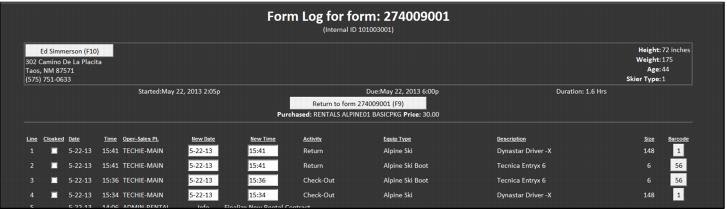
Form log
A full history of rental activity associated with a Rental form may be viewed by clicking the Form Log button while viewing the Rental form. This form log can be edited; dates and times of actions such as check-outs and returns may be altered. Changing this information requires that a password is entered. Editing the form log is typically not important in pay-up-front rental shops, but becomes a critical piece of functionality in pay-upon-return rental shops in order to adjust the rental times and dates that generate charges for customers.