Item Activity by Item Report
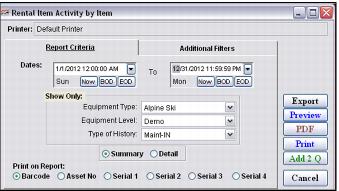
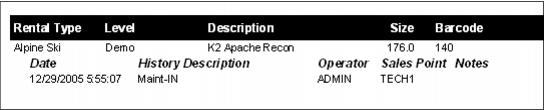
The Activity by Item Report provides detailed information for the inventory selected through the date range specified. For instance, a complete history of a single piece of inventory can be obtained with this report. Or more specific information such as the individual pieces of equipment of level Demo and type Alpine Skis that were put into maintenance through a date range can be obtained from this report.
Filters include:
• Date/time range
• Equipment type
• Equipment level
• Type of history
• Summary or Detail
• Barcode ranges
• Salespoint range (based on the TechStation “instance” names – range must be typed into the dropdown fields at this point in time)