Dynamic Pricing Rules for the Auto-Added Modifiers
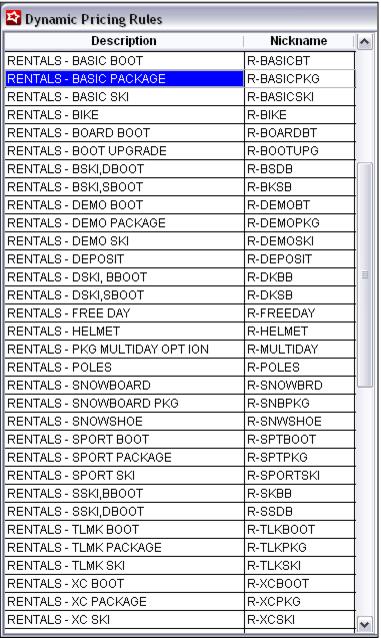
Create a full set of Dynamic Pricing Rules to price all the auto-added modifiers. This can be accomplished in one rule, however this would create a huge rule that may lead to errors. So, the best approach is to create a rule per auto-sold modifier.
Example:
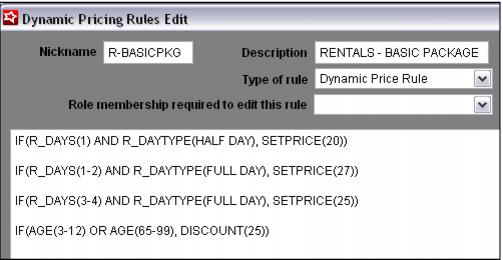
A Basic Ski Package Rule that would be attached to the corresponding Basic Ski Package modifier item.
• The first line says if the number of rental days = 1 and the type of day is HALF DAY (these are from our Days definitions we set during the Rental Auto-Sale Rule configuration), set the per day price to $20.
• The second line says if the number of rental days is between 1 and 2 and the type of day is FULL DAY, set the per day price to $27.
• The third line says if the number of rental days is between 3 and 4 and the type of day is FULL DAY, set the per day price to $25.
• The last line provides a discount of 25% based on the age of the guest. This line may or may not be necessary for your scenarios. For instance, you may have specific Junior types/levels/rules/modifiers or perhaps the discount for Juniors or Seniors is applied with a Special instead of a Dynamic Pricing Rule.