How to swap rental items with modifiers
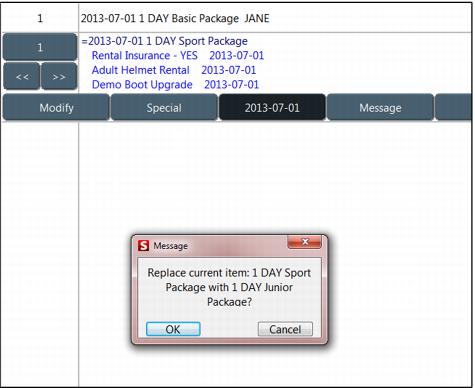
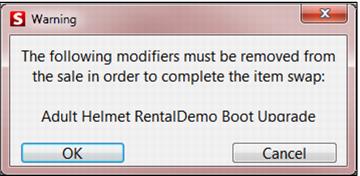
It is possible to perform an item swap if the modifiers on the existing item are not valid for the new item. In this case, a message is displayed to the operator warning which mods will be removed if the swap is completed. During the swap, non-matching modifiers will be automatically removed, so that the operator can re-select required modifiers as necessary.
To successfully swap an item:
1. Click and drag the item to be swapped over top of the current item.
2. Click OK, and then you will receive a message if any modifiers are different for the newly swapped item.
3. Click OK and the item is swapped.