Customizing the Reservation Header
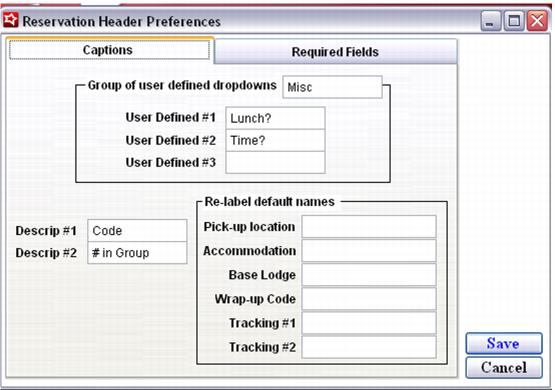
You can customize the following fields on the Reservation Header dialog:
• Descrip #1
• Descrip #2
• The three fields in the User Defined section
• Pick-up location (can be re-labeled)
• Accommodation (can be re-labeled)
• Base Lodge (can be re-labeled)
• Wrap-up Code (can be re-labeled)
• Tracking #1 (can be re-labeled)
• Tracking #2 (can be re-labeled)
Note: When default names are re-labeled, those values appear on the Reservations Report as filters.
Access to these labels is from the SysManager > Preferences > Reservation Headers > Captions tab, as shown in the following screen capture: