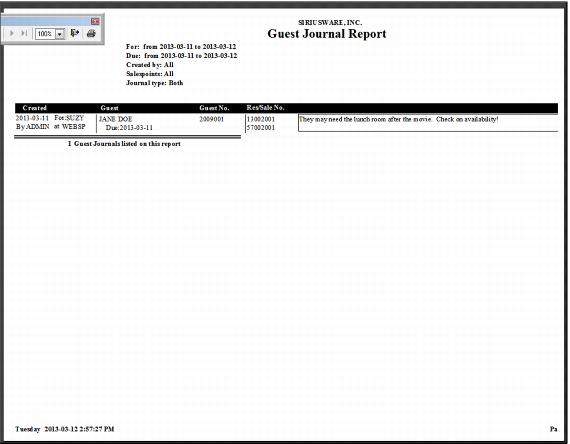
Guest Journal Report – looking up notes assigned to an operator
You can also look up notes assigned to an operator from ReportManager > Reports > Guest Reports > Guest Journals. See the follow screen capture.
Use the following lookup options in the Guest Journal Report to view notes:
• Created (date range)
• Due (date range)
• Operators (range)
• Salespoints (range)
• Assigned to operators (range)
• Journal Type (notes, action notes, completed action options)
An example of the generated report is shown in the following screen capture.