Show images
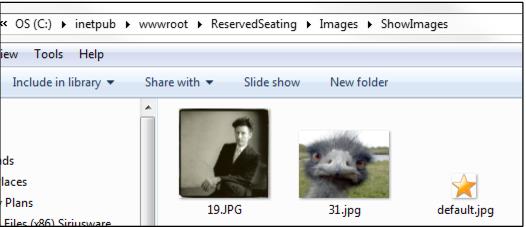
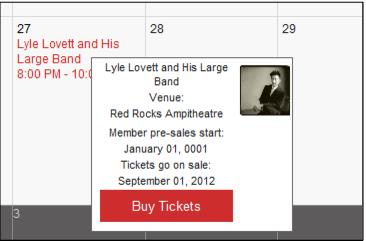
It is possible to display a picture relating to a Show on the schedule. To do so, find a small .JPG file and name it with the ShowID. Save the file in the \Images\ShowImages folder in both the E-Commerce and Reserved Seating directories installed under IIS. If no show image matching the ShowID is found, a default picture is displayed. Please ensure to have at least one image file named default.jpg located in the ShowImages folders.