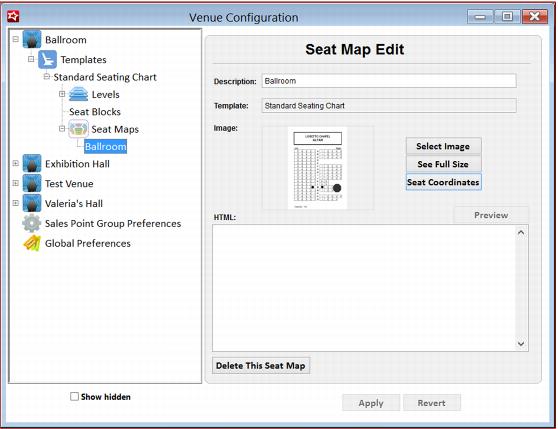
Example:
The URL for the web form: http://localhost/ReservedSeating/AdminSelectASeat.aspx? SeatMapID=3, where the http://localhost/ReservedSeating/ portion of the URL needs to be defined in the in the Preferences section of SysManager.INI file as follows.
[Preferences]
RSURL=http://localhost/ReservedSeating/
Note: There is a one-to-one relationship between Template and Seat Maps. Mapping definitions are performed at a Seat Map/Template level and are in effect for all shows that use that same template.
There are one-to-many relationships between Levels and Sections and Sections and Seats.
Attempting to edit or delete a Level or Section in SysManager that has been already mapped, triggers a warning message informing the user that their action deletes all mapped data for that Section or Level.
Tooltips and hovering
The mapping window displays the defined seat map image on the left side and Level/Section/Seats grids on the right side of the screen.
There are two behaviors that are common on all three grids:
• Tooltips - Whenever the guest’s cursor hovers over an object (Level/Section/Seat) a tooltip displays the name of that object
• Hover highlights - Whenever the guest’s cursor hovers over an object (Level/Section/Seat) it also highlights its corresponding row on the grid to the right for easy access.