Vendors
To create vendor preferences:
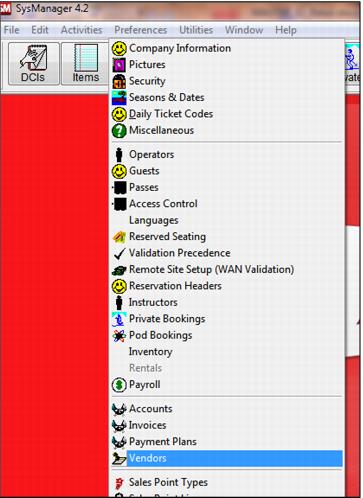
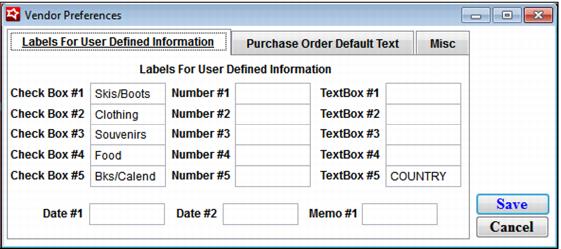
Vendor information that is to be kept in the vendor record that goes beyond name and basic contact information is kept in vendor user-defined fields. To label these fields, go to SysManager > Preferences > Vendors. See the Vendor Preferences dialog in the following screen capture:
In this case, text boxes for Vendor Fax, Vendor Acct#, Local Fax and contact information for a vendor representative different from the vendor contact have been labeled. These fields can be filled in for each vendor and the information can be printed on a Custom Purchase Order.
The Purchase Order Default Text allows for the entry of free-form text that can be printed on all POs created within the Retail module.
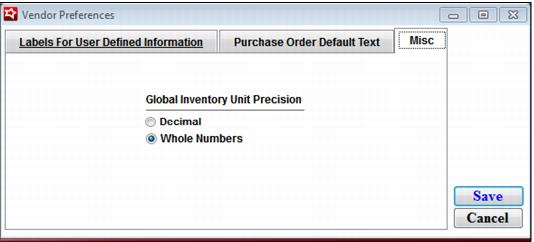
The Misc tab give you the option to select decimal or whole number presentation of quantities on POs, inventory lookup, transfers and adjustments. See the following screen capture:
To create vendors:
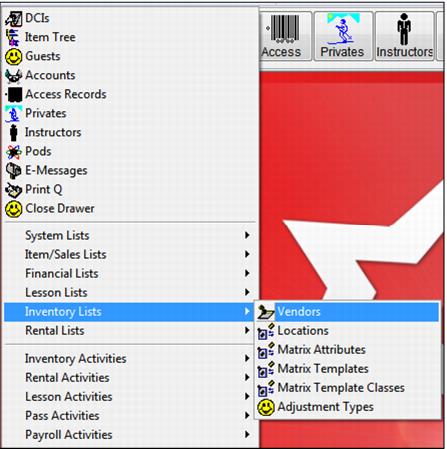
Go to SysManager > Activities > Inventory Lists > Vendors to create new records for each vendor that receives PO’s. See the following screen capture:
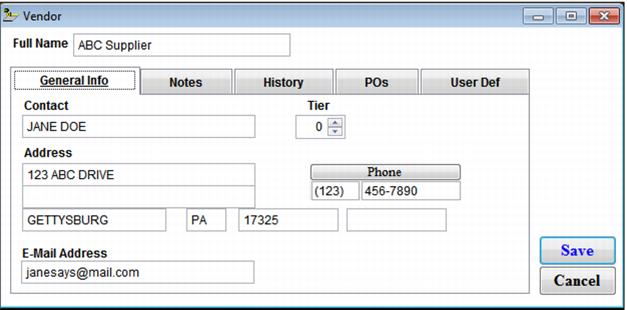
Click New and enter the Full Name of the vendor. See the Vendor dialog in the following screen capture. Enter information as appropriate in the fields on the General Info tab.
Note: The Tier spinner can be used to rank vendors according to your criteria, but it is not currently linked to anything within the software.
The Notes tab provides space for free-form notes to be kept in the vendor record. The History tab shows who/what/when created the vendor record.
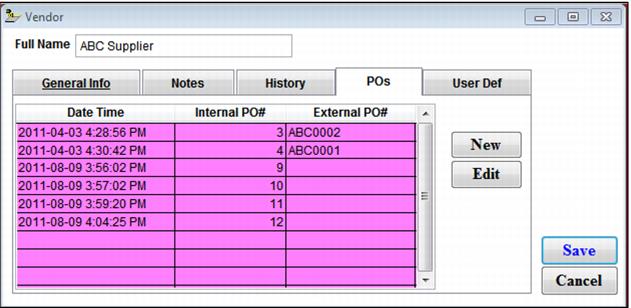
The POs tab shows POs that are created for this vendor. The Internal PO# is the sequential number created by Salesware module when a PO is created. The External PO# is a number from your existing PO tracking system that can be entered when a Salesware PO is created. New POs for this vendor can be created from here with the New button or Edit can be selected to recall an existing PO. See the following screen capture:
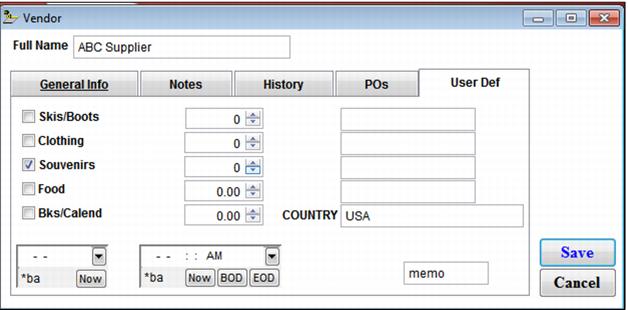
The User Def tab displays the fields labeled on Vendor Preferences dialog, shown previously. These fields can be for record keeping only or displayed on a custom PO form (or other custom report).