Matrix attributes
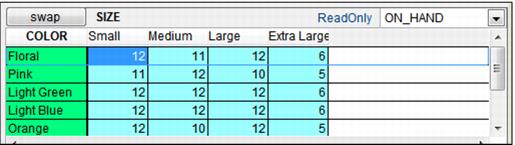
Matrix attributes are the item characteristics that are combined in pairs to create matrix templates. These can be anything required by your items but generally include size, color, style and brand. The paired matrix attributes are displayed in the matrix templates in the manner of a spreadsheet. See the following screen capture:
To create matrix attributes:
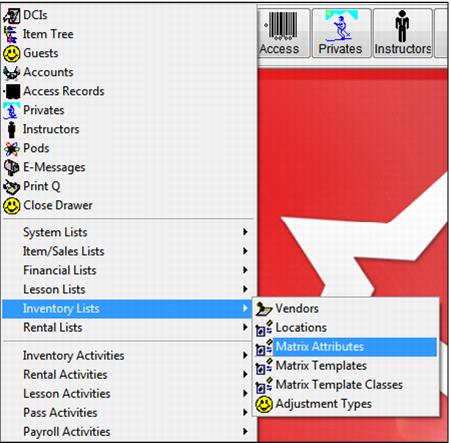
Go to SysManager > Activities > Inventory Lists > Matrix Attributes. See the following screen capture:
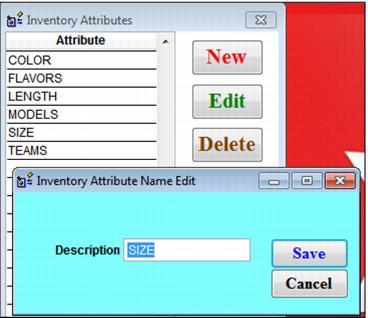
Click New and create as many Matrix Attributes as required. See the following Inventory Attributes screen capture: