Step #4 – Redeeming the vouchers
When an operator is presented with a consignment voucher, she scans it within the Sales application.
Note: Depending on how the salespoint scanners are programmed and the contents of the voucher’s barcode, F10, F11, or F12 keys may need to be used in order to prepend the appropriate auto-sale prefix (%A). Vouchers may also be scanned remotely by ScanMan or GateKeeper with the same type of automated actions occurring “behind the scenes.”
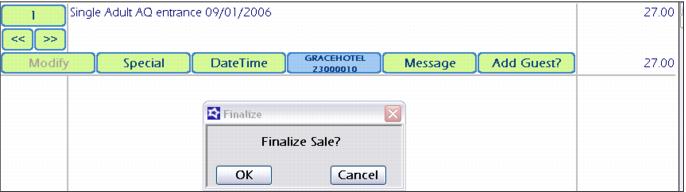
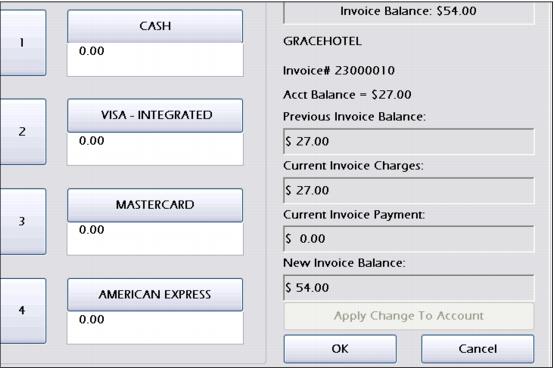
The Auto Sale item selected within the voucher’s access record template is automatically added to the sale. The auto-sold item is also placed on the auto scan invoice of the account used during the original voucher sale.
The operator is prompted to finalize the sale if the voucher’s access record template is configured to Finalize Auto Sale in Sales32 (this option is found on the Auto Sales tab within the access record template).