How to use direct pricing functionality
In the item set up (SysManager > Activities > DCIs > New item/Edit item > Price tab), in the top of the left-hand side of the Price tab, check the Direct Pricing check box. This allows an operator with sufficient security to set the price directly at the Point-of-sale. Direct pricing can be used to override the assigned price and therefore can be used in conjunction with other pricing features on this tab.
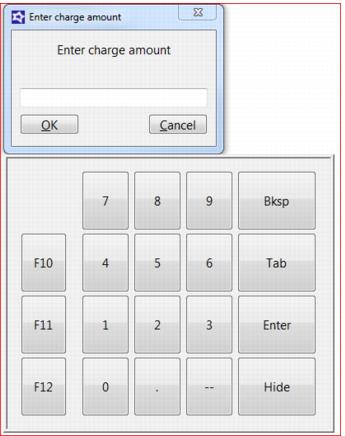
When setting a Direct Price or setting a weight for an item, a simple number pad is displayed.