How to run reports
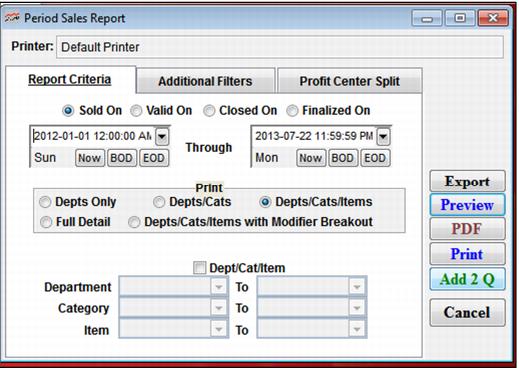
To run a report, click one of the buttons in the button bar or select a report in the dropdown Reports menu that is available from the ReportManager main menu. A box is displayed for each report that allows report parameters to be specified.
Report creation options (see buttons on right side of Period Sales Report dialog) include:
• HTML – Creates the report as an HTML file.
• Export – Exports data to a file, in various formats, that is available for importing into another application to use instead of printing.
• Preview – Previews report in a window.
• PDF – Creates report as a PDF file.
• Print – Prints report to a selected printer.
• Add 2 Q – Stores the print job until another time (you can then print using the Print Q button on the button bar).
• Standard filters.