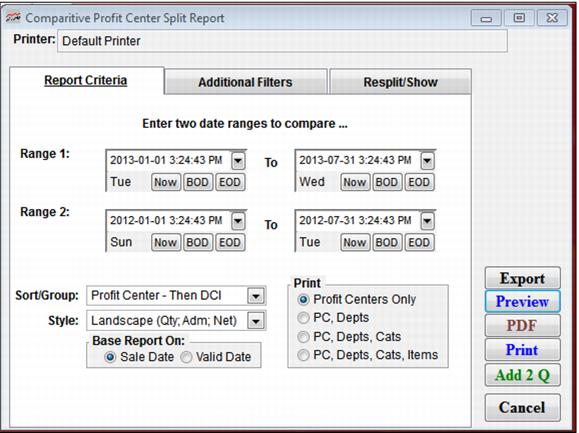
Setting | Description |
Enter Two Date Ranges To Compare | Select two sets of date ranges (Range 1 and Range 2) to compare to. |
Sort/Group | Select how you want report to sort, by Profit Center – Then DCI or by DCI Only. |
Style | Select which style of report to appear when printed. |
Base Report On: Sale Date | Select this if you want to report on date items sold. |
Base Report On: ValidDate | Select this if you want to report on date items used. |
Print: Profit Centers Only; PC, Depts; PC, Depts,Cats; PC, Depts, Cats, Items | Select the level of detail you want to print in report. |