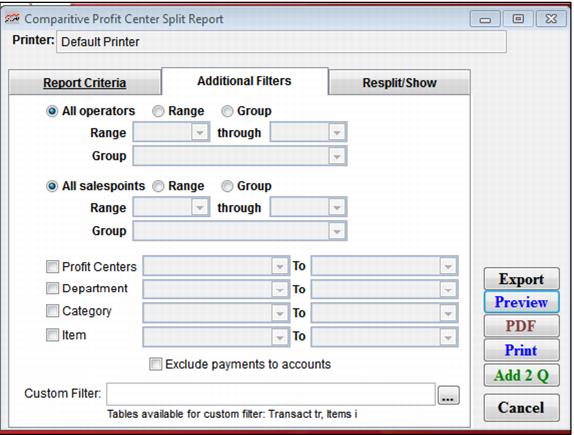
Setting | Description |
Operators | Select this to specify a range of operators for the report. |
Sales Points | Select this to specify a range of salespoints for the report. |
Profit Centers | Select this to specify a range of profit centers for the report. |
Department | Select this to specify a range of Departments for the report. |
Category | Select this to specify a range of Categories for the report. |
Item | Select this to specify a range of Items for the report. |
Exclude payments to accounts | Select this to exclude payments to accounts from the profit center split data. |
Custom Filter | Allows a custom filter to be entered to further define the output of the report. |