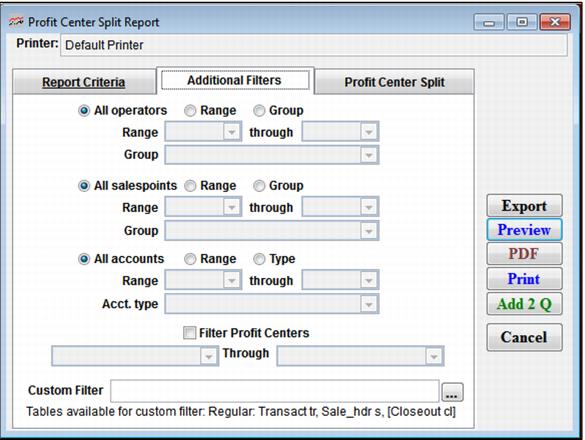
Setting | Description |
Filter Operators | Select this to specify a range of operators for the report. |
All salespoints | Select this to view all salespoints (default). |
Range | Select this to specify a range of salespoints for this report. |
Group | Select this to specify a range of salespoint groups for this report. |
Filter Profit Centers | Select this to specify a range of profit centers for this report. |
Custom Filter | Allows a custom filter to be entered to further define the output of the report Note: The table Transact is the table available to this custom filter. Use the alias tr. |