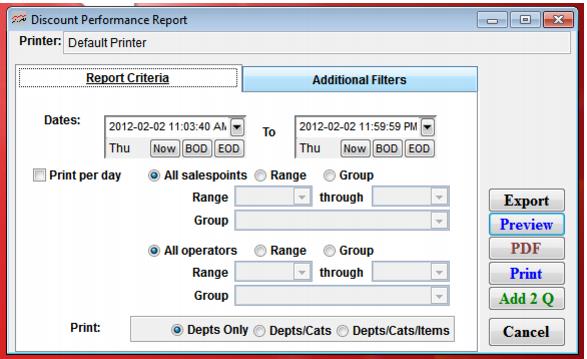
Setting | Description |
Date Range | Select a date range for which to print items sold using the beginning and ending date fields. |
Print per day | Check this box if you want to the information broken out by day within the date range. |
All salespoints | Select this to view all salespoints (default). |
Range | Select this to activate and select the range of salespoints. |
Group | Select this to activate and select the range of salespoint groups. |
Print: Depts Only; Depts/Cats; Depts/Cats/Items | Select the level of product detail for the report. |