Setting | Description |
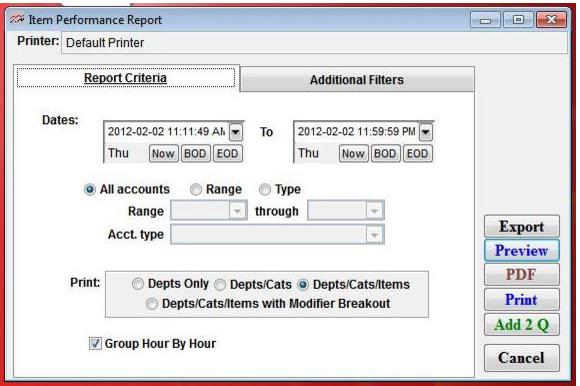
Date Range | Select a date range for which to print items sold using the Beginning and Ending Date fields. |
All accounts | Select this to report the items performance by all accounts (default). |
Range | Select this to activate and select a range of accounts to report on items performance. |
Type | Select this to activate and select a range of type of accounts to report on items performance. |
Print: Depts Only; Depts/Cats; Depts/Cats/Items; Depts/Cats/Items with Modifier Breakout | Select the level of product detail for the report. |