Setting | Description |
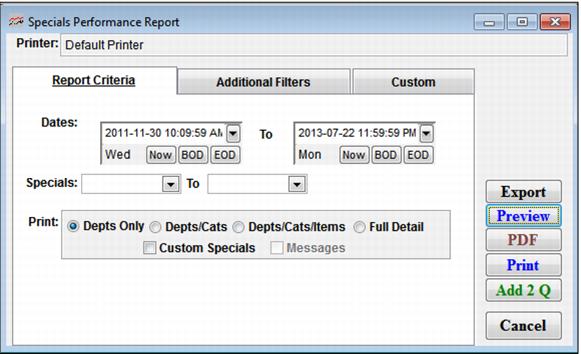
Date Range | Enter a date range for which you would like to view specials using the Beginning and Ending Date fields. |
Specials | Select this to select a range of specials to report on. |
Print: | Select a level of product detail for the report to cover – Departments only, Departments and Categories, Departments, Categories and Items, or Full Detail. |
Custom Specials | Select this to include custom specials. |
Messages | Becomes active when Full Detail is selected. Select this to have the Message field included in report. |