The accounting department finalizes the close out
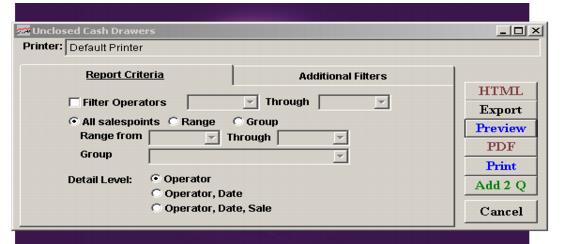
1. Look for the sessions for a day that have not been closed out ReportManager > Reports > Financial Reports > Unclosed Drawers
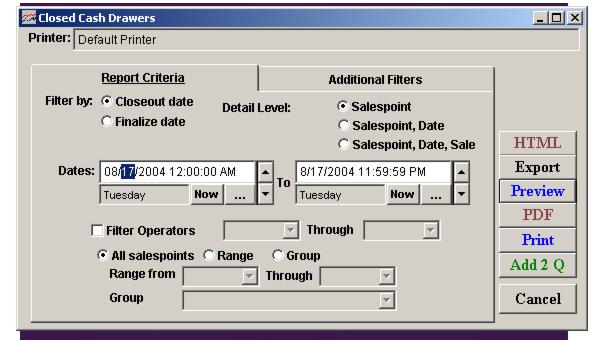
2. Review the sessions for a day that have been closed out ReportManager > Reports > Financial Reports > Closed Drawers
Auditing the close out and finishing (the finalize process)
• ReportManager > Close Drawer button
• Count the close outs to verify accuracy
• Make adjustments
• Finalizing the drawer
• Viewing finalized drawers
• Submitting a Close Out causes all records for the operator or location to be marked as closed regardless of the transaction date
Over/Short Report
For finalized totals only