Auto-validation
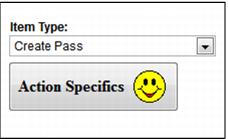
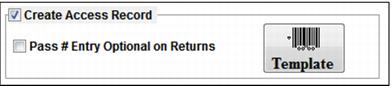
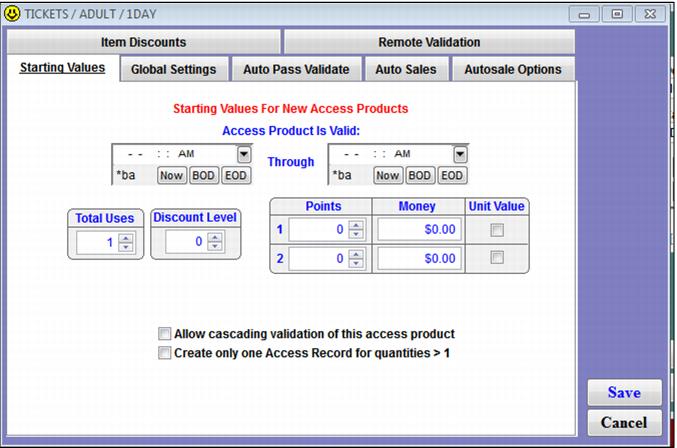
Auto-validation is also known as self-validation. Auto-validation is configured using the SysManager > Activities > DCIs > New/Edit > Action tab > Create Access Record check box > Template button or the SysManager > Activities > DCIs > New/Edit > Action tab > Create Pass dropdown > Action Specifics button – specifically, the Starting Values, Auto Pass Validate, Auto Sales and Autosale Options tabs. The configuration done within these tabs specifies the actions to take on the pass or access record’s own values when a barcode is scanned (or magnetic swipe is swiped or number is manually entered.)
The process of auto-validation in Sales typically results in the auto-sale of an item. The process of auto-validation remotely with a Symbol unit or gate scanner typically results in the guest being allowed or denied entrance.