Validation with a DCI
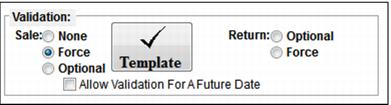
Validation with a DCI is configured within the SysManager > Activities > DCIs > New/Edit > Action tab > Validation section for an item. Validation with a DCI only occurs in Sales. Items configured with a Validation Template are referred to as validation products.
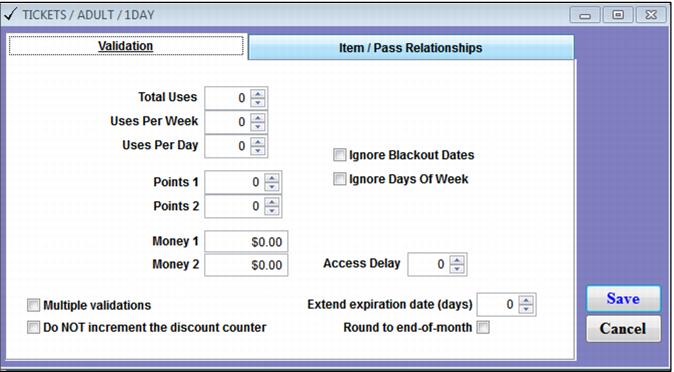
Note: Two fields in the Validation template form have been activated that were previously disabled. They are Ignore Blackout Dates and Ignore Days of Week. This gives the user the ability to validate against an item even if it is not valid for scanning during a blackout period or on particular days of the week.
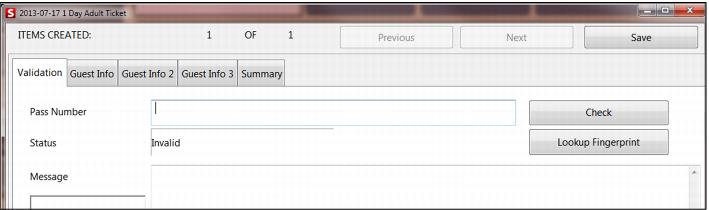
The process of validating with a DCI begins with the operator adding an item (validation product) to a sale. The operator then clicks on the “other” button (This is the far right button displayed for the active line item. So-called because this button can take a variety of labels, depending on how the item is configured.) The operator then enters a number in order to validate the sale of the item selected (the “other” button may say Validate, Validate?, Set Guest or Set Guest? depending on the item sold).