Media-present reloads
Option 1
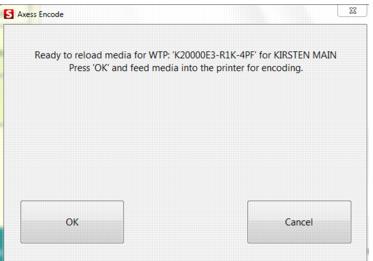
Add a reload item to the sale and Finalize/collect payment. When prompted, hand-feed the card into the Axess Smart Printer for encoding. This method is very easy, but doesn’t offer much control over the type of reload items that can be purchased. In other words, it is up to your operators to not reload a Child item on an Adult piece of media.
Option 2
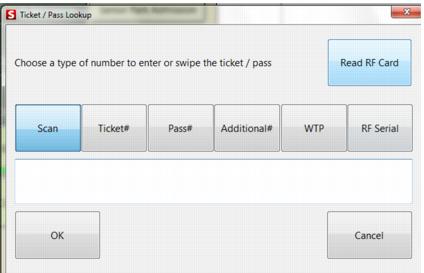
Press the Ticket Inquiry main action button and select Read RF Card.
Click OK to exit the Chip Information dialog and press the Reload Media button.
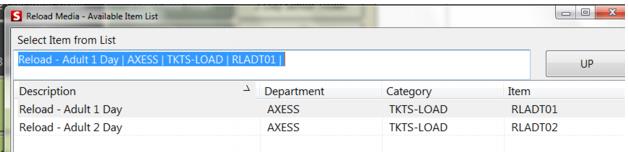
This action presents a list of eligible reload items (based on the Item/Pass Relationship tab linking that is also utilized in E-Commerce module). Select an item from the list for the reload. Finalize the sale and when prompted, hand-feed the card into the Axess Smart Printer for encoding.
Note: When doing media-present reloads, if the card does not have any available segments, the operator is notified that a WTP record is created for later encoding by the Axess gates once a segment becomes available.