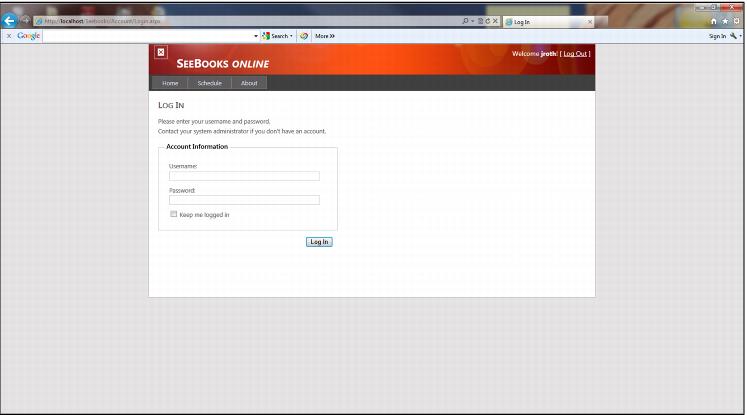
Start-up and log-in
Start SeeBooks online application by opening a web browser and following your page link i.e., http://localhost/Seebooks/. Each time SeeBooks Online application begins, you must log-in, which requires an Instructor Name and a Password.
Note: SysManager defines all valid usernames and passwords for instructors– see
Instructors.
To log-in:
1. Click the Log In link in the upper right hand corner of the page.
2. Type your Username, and then tab and type your Password. You have the option to stay logged in by checking the Keep me logged in check box.
3. Press Enter or click Log In to complete the log-in process. You are logged into SeeBooks application if your information is valid and entered correctly.