Exchanges
Note: The shortcut key to perform exchanges is F5.
Exchanges can be performed in two ways.
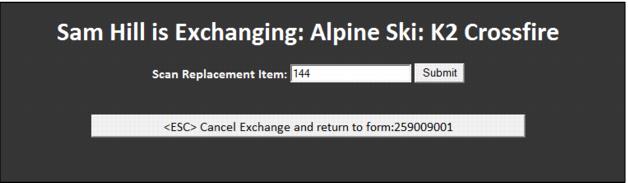
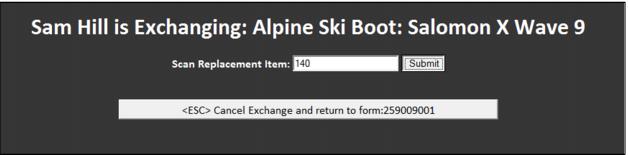
1. Scan the Rental form and click the Exch/Del button next to the item to be exchanged. Scan or hand-enter the new piece of equipment and click Submit.
2. Scan the rental equipment to be exchanged. Select the Exchange option. Scan or hand-enter the new equipment. Click Submit.
If the new equipment is already checked-out (the equipment was never officially returned from the last rental) or the guest already has equipment of that type checked out, the exchange fails and the tech is be notified about why the exchange is not possible.