Returns
Note: The shortcut keys for returns are F2 and F3.
Returns can be performed in three different ways.
1. Scan the Rental form and click the Ret button next to the item to be returned.
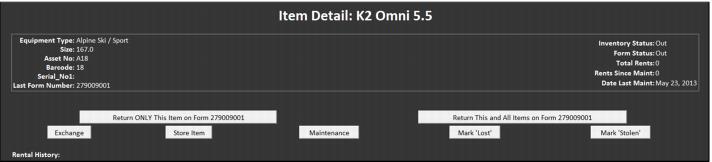
2. Scan the rental equipment to be returned. Select the option to Return ONLY This Item on Form XXXXX or select Return This and All Items on form XXXXXXX.
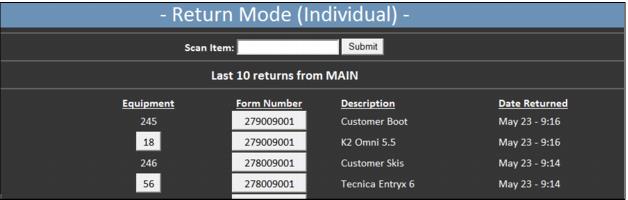
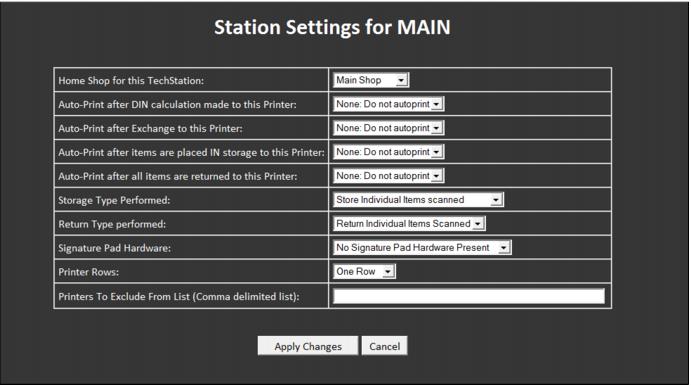
3. Enter into Return Mode on the TechStation and simply scan equipment. In this mode you can select to return just the equipment scanned or all equipment associated with the form. It is also possible to auto-generate the printing of a specific layout for each return done in Return Mode. The auto-printing and type of return mode can be set per TechStation by modifying the appropriate settings found on the Ready form.