Venues
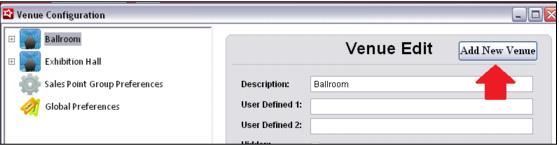
To create a new Venue:
1. Click the Add New Venue button.
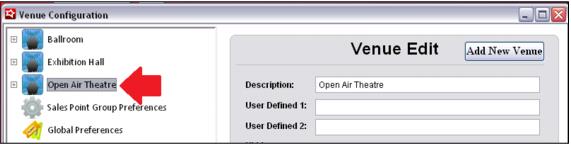
2. Enter a Description for the Venue and press Save. The new Venue now appears in the list to the left.
Note: Currently the User Defined and HTML fields are not in use. They have been added as placeholders for future development, but are not operational at this time.