Templates
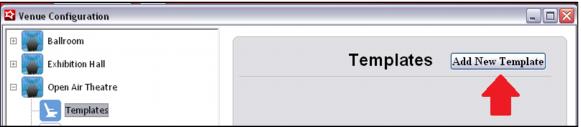
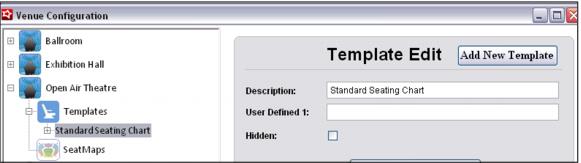
The next step is to expand the Venue by clicking on the + sign and adding a Template. Each Template represents a different seating configuration offered at that particular Venue. To add a new Template, click the Add New Template button, provide a Description, and then click Save.
Note: Currently the User Defined and Notes fields are not in use. They have been added as placeholders for future development, but are not operational at this time.