Access control
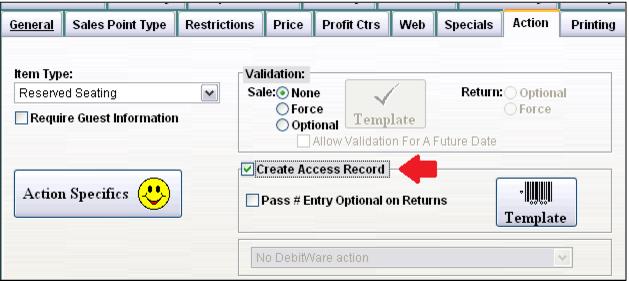
In order to create barcodes that correspond to the date/time of the show(s), Create Access Record is checked.
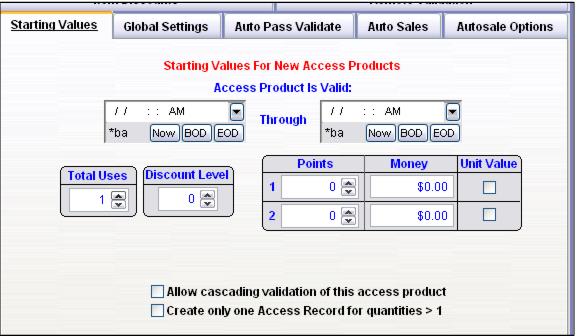
Within the template on the Starting Values tab, leave the Access Product is Valid: date/times empty as the Show Time, Duration and Doors Open configurations for the selected Show determines when the ticket may be used. Other standard Access Template configuration options may be incorporated, such as limiting the scan of the barcode to 1 Total Use, establishing Revenue Recognition Rules, etc.
Note: A typical Access Template configuration for a Reserved Seating item would include 1 (positive one) Total Use for Starting Values, -1 (negative one) Total Use for Auto Pass Validate and Don’t Use Shifts for Autosale Options.