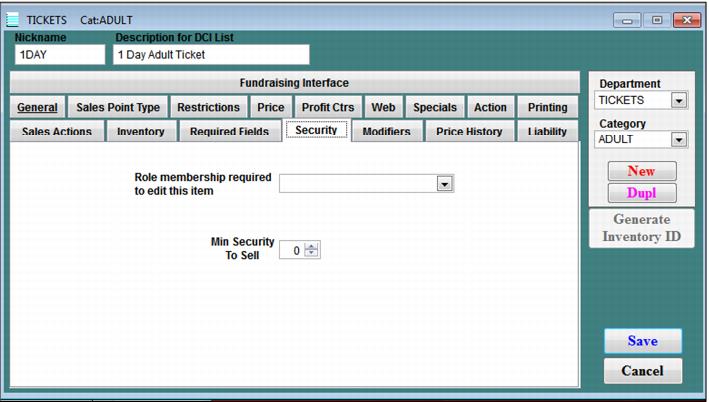
The Security tab is used to specify the numeric level of security associated with an item. Operators with a numeric security equal to or greater than the numeric security set for the item see the item in the menu when logged into the Sales application. Values can range from 0 to 9.
A security role used to limit who can edit the item in SysManager can also be selected within this tab.
The Security dialog is shown in the following screen capture. For more information about security roles, see Operator setup.