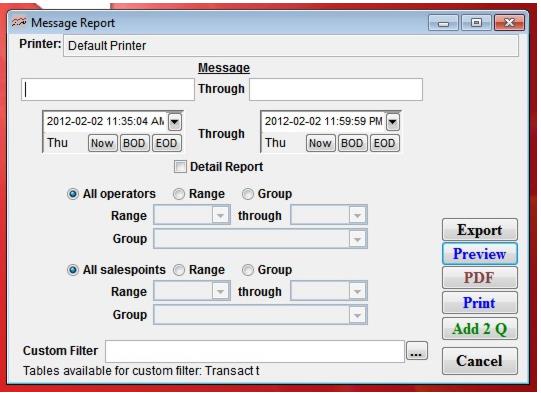
Setting | Message |
Message | Select the range of messages that you would like to include in this report (messages are in ASCII order − you may want to set up a code system if you want to use this feature to make printing ranges of messages easy). |
Date Range | Select the date range during which you would like to view messages. |
All salespoints | Select this to view all salespoints (default). |
Range | Select this to activate and select the range of salespoints. |
Group | Select this to activate and select the range of salespoint groups. |
Custom Filter | Allows a custom filter to be entered to further define the output of the report. Note: The table Transact is available to this custom filter. Use the alias t. |